
Best mini PC for Home Assistant
Home Assistant asks almost nothing of the hardware, so the decision is cheap, quiet and reliable, in that order. Spending more here buys you nothing you'll notice.
In short: The GMKtec G3 at $169.99 is the box I'd buy and forget about. The EQ14 adds dual 2.5GbE for a little more. Both are x86, so Home Assistant OS runs natively with add-ons; a Pi still works, but backups and updates are easier on x86.
At a glance
I'd start with the GMKtec NucBox G3, 7.8/10, from US$169.99. Next is the Beelink EQ14, 7.9/10 from US$385. The table below has the full specs, prices and the fields we couldn't confirm.
| Mini PC | Best for | Price from | Idle power | Our score | |
|---|---|---|---|---|---|
| GMKtec NucBox G3Intel N100 budget box | Best budget mini PC | US$169.99GMKtec US store, from (barebone; 16GB/512GB config $459.99) | TBC | 7.8 | Check price |
| Beelink EQ14Intel Twin Lake N150, dual 2.5GbE | Best Beelink budget box | US$385Beelink direct, 16GB DDR4/500GB + dual 2.5GbE (pre-order; was $469) | TBC | 7.9 | Check price |
| AceMagic S1Intel N95 entry box | Best for a first mini PC | US$229AceMagic store, S1 (16GB/512GB; was $289); shown as sold out on the vendor store | TBC | 7.5 | Check price |
| KAMRUI E3BAuthor's FavouriteRyzen 7 7735HS / 7730U office box | Best KAMRUI for office work | US$409KAMRUI direct, Ryzen 7 7735HS (16GB LPDDR5/512GB; the 7530U config is from $389; was $529) | TBC | 8.3 | Check price |
| Beelink SER8Ryzen 7 8845HS all-rounder | Best overall mini PC | US$799Beelink direct, listed configuration (was $959) | TBC | 9 | Check price |
Prices were checked on 10 October 2026 and change often. Always confirm on the vendor's or store's own page. Fields marked TBC could not be confirmed and are not estimated;see which records are still unverified.
How we score
- Price, Home Assistant needs very little, so cheap and reliable wins.
- Idle power, for a box that runs 24/7; the Intel N-series class is lowest.
- An SSD over a microSD card, for reliability and easy backups.
- Enough headroom for heavy add-ons (Frigate, a local voice assistant) if you plan to use them.
- A wired NIC for stability, 2.5GbE is a bonus, not a requirement.
Our promises
The top picks, in detail
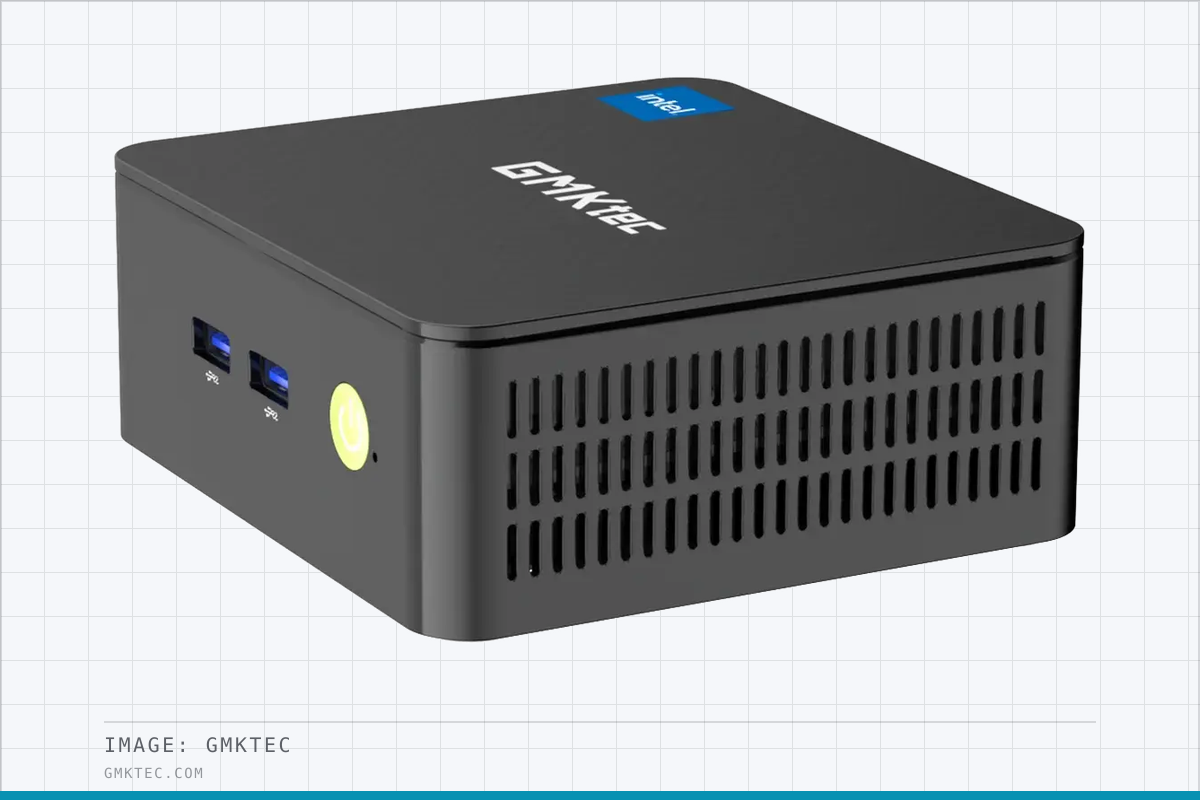
GMKtec NucBox G3
| CPU | Intel Processor N100 (4C/4T, 6MB cache, up to 3.4GHz, 6W TDP) |
| Graphics | Intel UHD Graphics (Quick Sync) |
| Memory | DDR4-3200, 1× SO-DIMM, 16GB tested (barebone option) |
| Storage | 512GB M.2 installed (1× M.2 2280 PCIe + 1× M.2 2242 SATA, up to 2TB each; barebone option) |
| Ports | 2× USB 3.2 Gen1 Type-A (front), 2× USB 3.2 Gen1 Type-A (rear), 2× HDMI 2.0 (4K@60Hz), 1× 2.5GbE RJ45, 1× 3.5mm audio, DC 12V, Wi-Fi 6 (Realtek 8852), Bluetooth 5.2 |
| Idle power | TBC |
Pros
- Very cheap for an always-on box
- Small, quiet and low power
Cons
- All four USB ports are USB 3.2 Gen1 (5Gbps), no faster USB or USB-C
- N100 is fine for light use, not heavy loads
Specs and price checked 10 October 2026.
Where to buy GMKtec NucBox G3
Disclosure: GMKtec NucBox G3 links are currently standard retailer links and do not earn us a commission. If a link becomes an affiliate link, it will be labelled. Commissions never affect our scores or rankings. Availability and price vary by region; confirm on the store page.
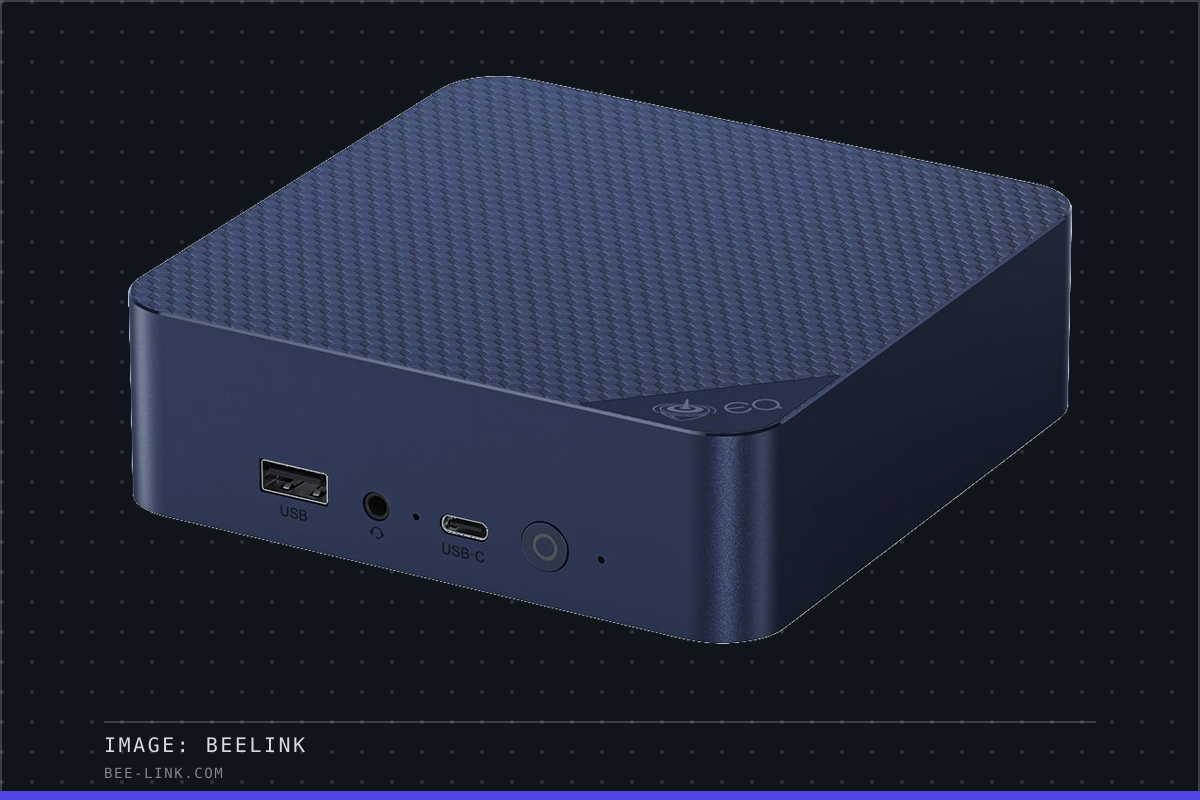
Beelink EQ14
| CPU | Intel Twin Lake N150 (4C/4T, 6MB L3, up to 3.6GHz) |
| Graphics | Intel UHD Graphics (24 EUs, up to 1.0GHz, Quick Sync) |
| Memory | 16GB DDR4 (1× SO-DIMM, up to 16GB) |
| Storage | 500GB SSD (2× M.2 2280 PCIe 3.0 slots, up to 8TB; the x4 slot also takes an M.2 SATA III SSD) |
| Ports | 2× HDMI (4K@60Hz), 3× USB 3.2 Type-A + 1× USB 2.0 Type-A + 1× USB-C, 2× 2.5GbE RJ45 (Intel I226-V), 3.5mm audio, built-in AC power supply (single mains cable), Wi-Fi 6 (Intel AX101), Bluetooth 5.2 |
| Idle power | TBC |
Pros
- Dual 2.5GbE (Intel I226-V), rare at this level and ideal for a Plex/NAS front-end
- Twin Lake N150 with Quick Sync hardware-transcodes 4K quietly
- Two M.2 slots and a built-in power supply (no external brick)
Cons
- Sold as a pre-order (Beelink quotes shipping within 35 days)
- Single RAM slot, DDR4, not upgradable past 16GB
- Listed at US$385, so it is above the sub-$300 tier the S12 Pro occupied
Specs and price checked 10 October 2026.
Where to buy Beelink EQ14
Disclosure: Beelink EQ14 links are currently standard retailer links and do not earn us a commission. If a link becomes an affiliate link, it will be labelled. Commissions never affect our scores or rankings. Availability and price vary by region; confirm on the store page.
AceMagic S1
| CPU | Intel Processor N95 (4C/4T, 6MB cache, 1.7–3.4GHz) |
| Graphics | Intel UHD Graphics (up to 1.20GHz, 16 EU), Quick Sync |
| Memory | 16GB DDR4-2666 (1× SO-DIMM, up to 16GB) |
| Storage | 512GB M.2 2280 SATA SSD (dual M.2: 1× NVMe PCIe 3.0/SATA + 1× SATA; up to 2TB) |
| Ports | 2× HDMI 2.0 (4K@60Hz), 2× USB 3.2 Gen2 Type-A, 2× USB 2.0 Type-A, 2× Gigabit RJ45, 1× 3.5mm audio, DC 12V, Wi-Fi 5, Bluetooth 4.2 |
| Idle power | TBC |
Pros
- One of the cheapest ways into the Alder Lake-N class
- Dual gigabit Ethernet and a front LCD panel at a budget price
Cons
- Sold out on the AceMagic store; check stock before buying
- Older Wi-Fi 5 / Bluetooth 4.2 radios, not Wi-Fi 6
Specs and price checked 10 October 2026.
Where to buy AceMagic S1
Disclosure: AceMagic S1 links are currently standard retailer links and do not earn us a commission. If a link becomes an affiliate link, it will be labelled. Commissions never affect our scores or rankings. Availability and price vary by region; confirm on the store page.
Keep reading
Common questions
What is the best mini PC for Home Assistant?
A cheap, low-power Intel N100/N150 box. The GMKtec NucBox G3 is the value pick; the Beelink EQ14 adds dual 2.5GbE for a little more. Both run Home Assistant OS directly and leave headroom for add-ons such as Zigbee2MQTT, Mosquitto and Frigate.
Mini PC or Raspberry Pi for Home Assistant?
A Pi is fine for a small setup, but an N100 mini PC is faster, boots from an SSD instead of a microSD card, and is easier to back up and restore. If you already own a Pi, keep using it; if you are buying, the x86 box ages better and rarely needs a reflash.
Do I need a powerful box?
No, Home Assistant itself is light. You only need more power if you run CPU-heavy add-ons such as Frigate (camera object detection) or a local voice assistant. For a straight automation hub, the cheapest N100 box on this list is plenty.
Will it run 24/7?
These boxes are built for always-on duty, but vendors do not publish idle draw, so running cost stays TBC until measured. The N100/N150 class is the lowest-power option here, which is why it leads the list for an always-on hub.
Can I run other things on the same box?
Yes, Docker and Proxmox both work, so one box can host Home Assistant alongside Pi-hole, a small NAS or other services. That is usually the reason to buy a mini PC rather than a single-purpose Home Assistant appliance.