
GMKtec NucBox K8 Plus vs Beelink SER8
These two share a CPU and a GPU and still land at very different prices. I'd pay the extra for the SER8's quieter chassis and support, and not for much else.
In short: Same chip, different deal. The K8 Plus gives you the Ryzen 7 8845HS and Radeon 780M for about US$410 barebone, with dual 2.5GbE and OCuLink. The SER8 costs far more but raises the memory ceiling to 256GB, adds a second M.2 slot and is the quieter, better-supported box. If price leads, K8 Plus; if headroom and polish lead, SER8.
Side by side
| GMKtec NucBox K8 Plus | Beelink SER8 | |
|---|---|---|
| CPU | AMD Ryzen 7 8845HS (8C/16T) | AMD Ryzen 7 8845HS (8C/16T) |
| Graphics | AMD Radeon 780M | AMD Radeon 780M |
| Memory | DDR5-5600, 2× SO-DIMM, up to 48GB | DDR5-5600, 2× SODIMM, up to 256GB |
| Storage | 1× M.2 2280 PCIe 4.0 (expandable to 2) | 2× M.2 2280 PCIe 4.0 |
| Networking | Dual 2.5GbE | 1× 2.5GbE |
| USB & display | 2× USB4, HDMI 2.1, DisplayPort 2.1, OCuLink | 1× USB4, HDMI 2.1, DisplayPort 1.4 |
| Size | 132 × 125 × 58 mm | 135 × 135 × 44.7 mm |
| Price from | US$409.99 (barebone) | US$799 |
| Our score | 8.7 / 10 | 9.0 / 10 |
The verdict
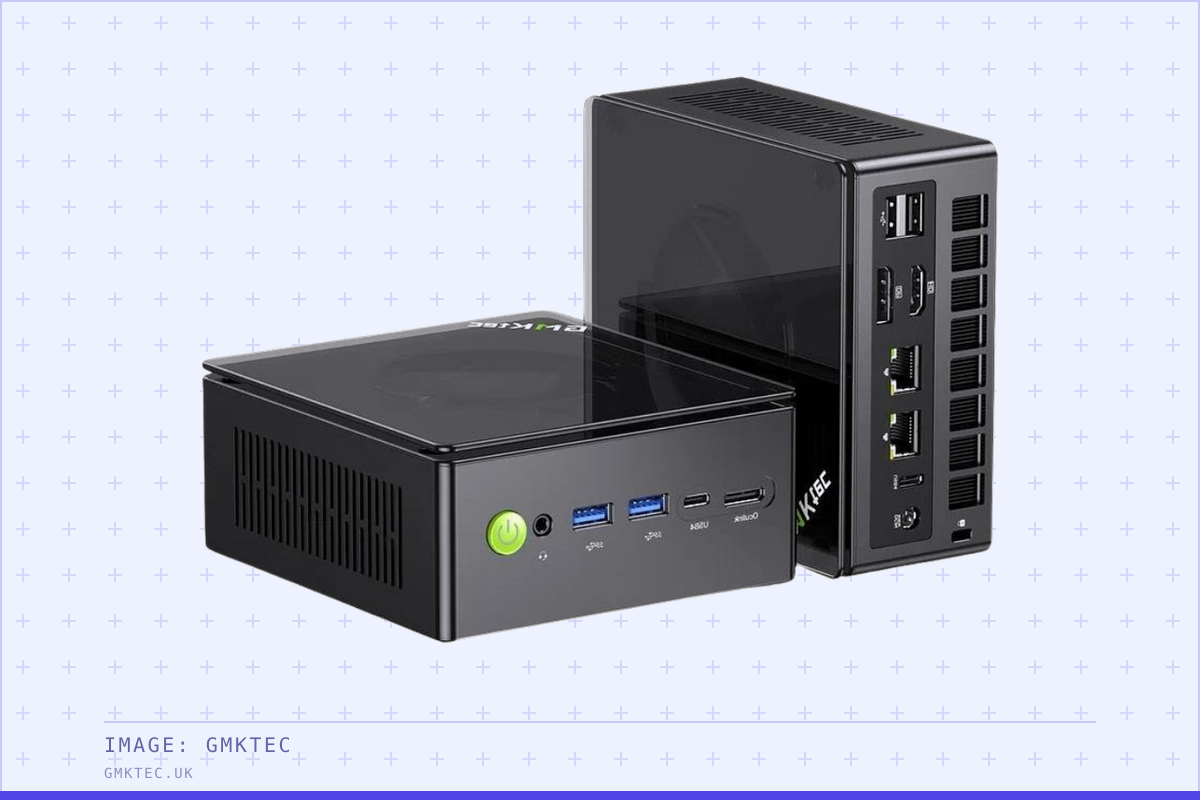
Pick GMKtec NucBox K8 Plus if…
- You want the same CPU and iGPU as the SER8 for roughly half the money.
- You want dual 2.5GbE for a router/firewall or NAS front-end.
- You want OCuLink, so an external GPU is a real future option.
- You are happy to buy barebone and fit your own RAM and SSD.
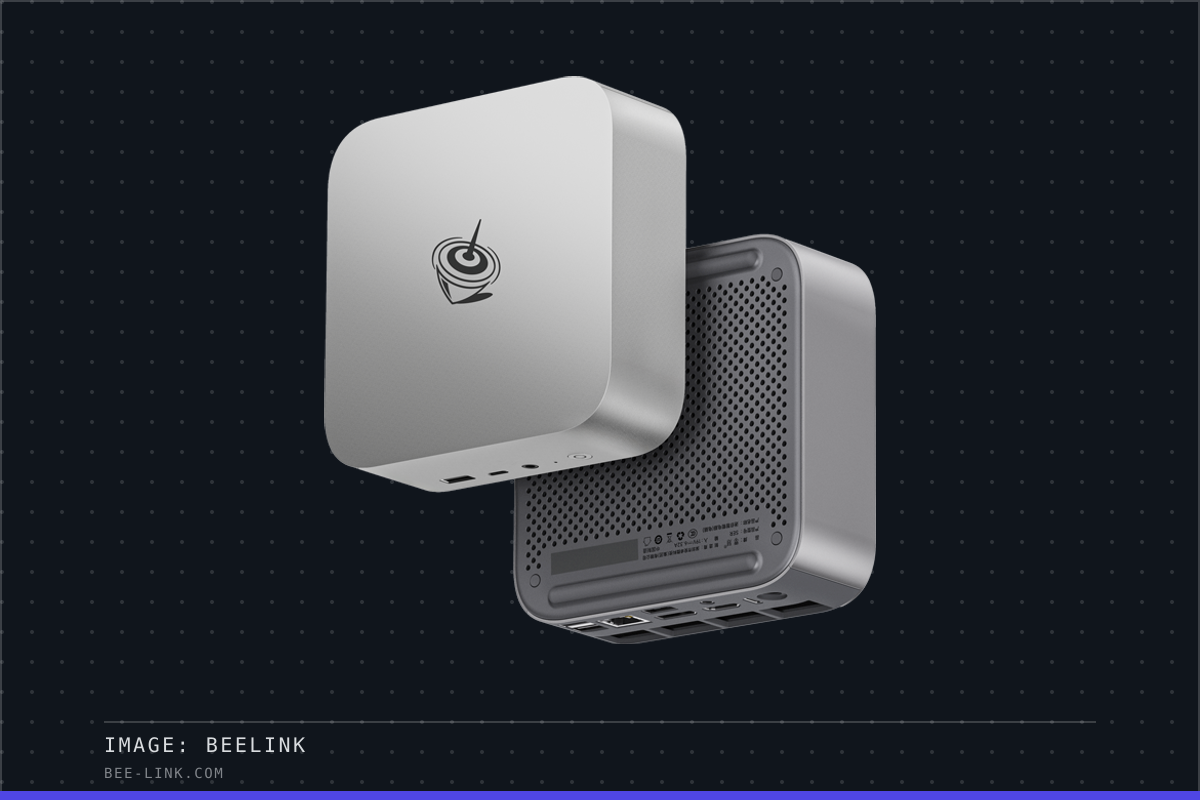
Pick Beelink SER8 if…
- You want the biggest memory ceiling, up to 256GB, far beyond the K8 Plus’s 48GB.
- You want two M.2 slots as standard, not one plus an expansion.
- You want the quieter, more polished unit with better BIOS support.
- You want the higher overall score and the simplest buying decision.
Keep reading
Why you can trust us
We currently earn no affiliate commissions; our retailer links are not affiliate links. If that changes, links will be labelled. Rankings and scores stay independent. Read how we score and how we make money.
Common questions
Are the K8 Plus and SER8 the same inside?
Very close: both use the Ryzen 7 8845HS and the Radeon 780M iGPU, so performance is nearly identical. The differences are memory ceiling (48GB vs 256GB), storage slots, networking and price.
Why is the SER8 more than twice the price?
The K8 Plus figure is a barebone starting price; the SER8 figure is a configured unit. Add RAM and an SSD to the K8 Plus and the gap narrows a lot, but the SER8 still allows far more memory and a second M.2 slot as standard.
Which is better for gaming or emulation?
Performance is effectively the same, same CPU, same iGPU. The K8 Plus adds an OCuLink port for an external GPU, which the SER8 does not have, so it has the higher ceiling if you ever want one.
Which is better for a home server?
The K8 Plus’s dual 2.5GbE helps for a router, firewall or NAS front-end. The SER8 has a single 2.5GbE port but a much higher RAM ceiling, which matters more for virtual machines. Pick by workload.
Is GMKtec’s BIOS as good as Beelink’s?
No, GMKtec’s BIOS and firmware updates are less polished than the bigger brands. The K8 Plus is a value pick, not a support-first one. If updates and hand-holding matter, pay the Beelink premium.